Committee toolkit
For societies and RWAs
Run the society from a desk, not from a group chat.
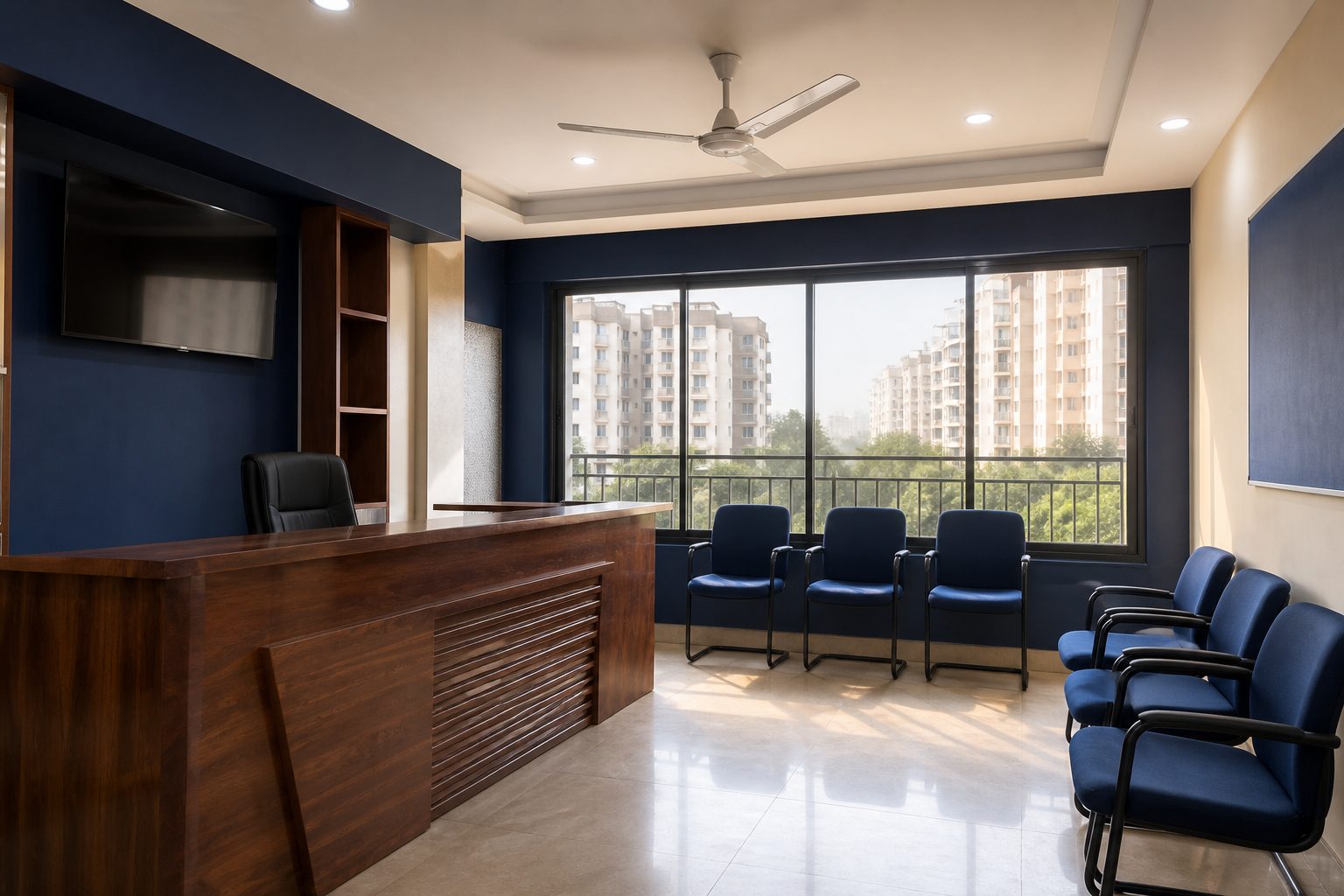
One desk for the people who already run the place
The office already knows who lives where, who is on the night shift, and which complaint has been open since Tuesday. GateBee is that knowledge as a desk: one tenant, two admin roles, and a property tree that matches the building instead of a spreadsheet named final_v7.
Owner admins hold the society — the registration, the geofence, who else may sit at the desk. Staff admins run the day: occupancy, the roster, the gate log, open tickets. Neither needs the secretary's phone to approve a visitor or close a complaint.
Residents never sign in here. Guards never sign in here. Those are different apps on purpose, so a family login cannot open the roster, and a staff login cannot rewrite the property tree.
2
Admin roles at the desk — owner and staff
1
Tenant for the desk, the gate and the unit
Mixed
Towers and villa clusters on the same society
Scoped
Every screen stays inside your society
How the desk is organised
The left rail follows the work of a society, not a software catalogue. You do not hunt for “modules”. You open the tree, the people, the shift, or the ticket.
- Property — blocks, floors and units that match the building, with a preview before anything is written.
- People — occupancy, owners, tenants, and the staff directory for this society only.
- Operations — shifts, the roster, attendance, and complaints that still have an owner after 11pm.
- Settings — the geofence, who holds owner-admin, and the switches that arm enforcement.
A platform operator can see every society. An owner admin sees this one. That is the permission matrix, not a nickname in a group.
A week at the desk
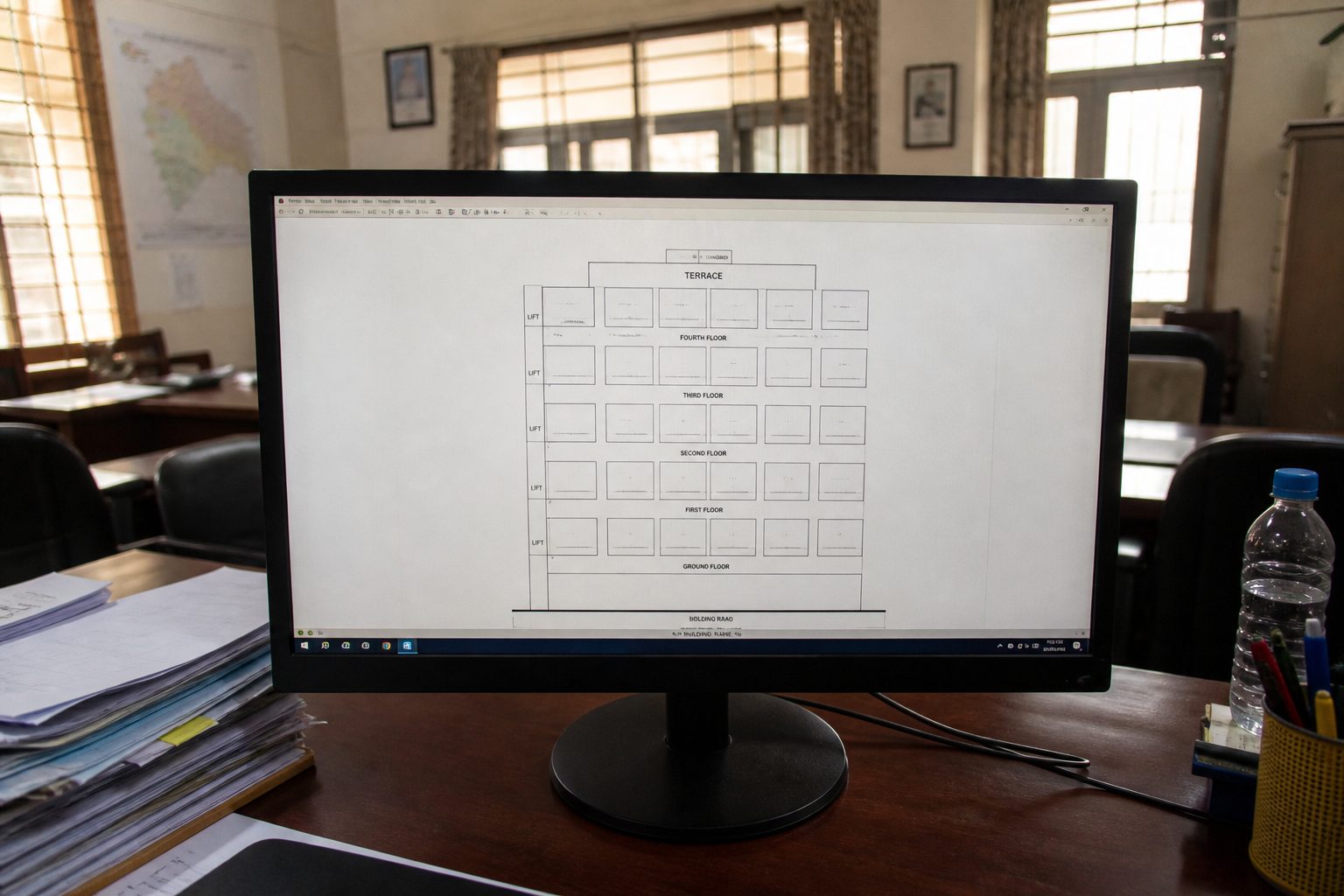
Monday is usually the roster: who is on the barrier this week, and whether a shift was double-booked. Tuesday is occupancy — a tenant moving in, an owner adding family to the unit. The rest of the week is the gate log and the tickets that did not close themselves.
- Walk the property tree when a new block is handed over, not when the first visitor is already at the boom.
- Put staff on a shift before you ask them to punch. Attendance without a roster is a register with extra steps.
- Read the overnight admissions in the morning. Each row names the guard, the unit, and the time — not “someone from B-wing”.
- Assign complaints to a trade or a named person. The resident sees the same status on the phone.
Who signs in where
Three logins, one tenant. Mixing them is how societies end up with the manager's WhatsApp as the source of truth.
- The desk — owner admins and staff admins. Also the platform team, when they are helping you stand the society up.
- Resident app — owners, tenants and family on the unit. Approvals, visitors and complaints. Not the roster.
- Staff app — guards and other utility staff at the barrier. Punch, pass, daily-help visit. Not the property tree.
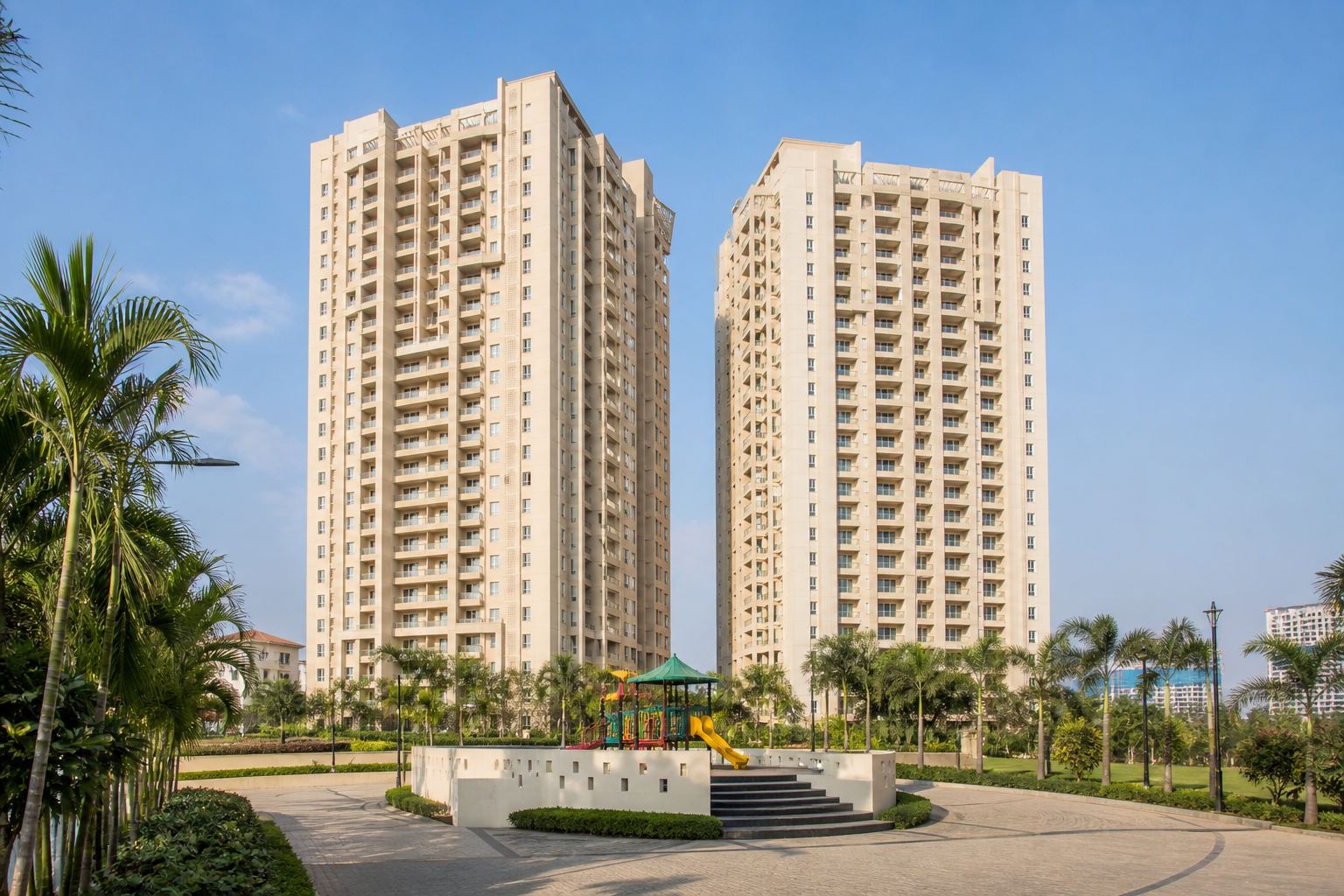
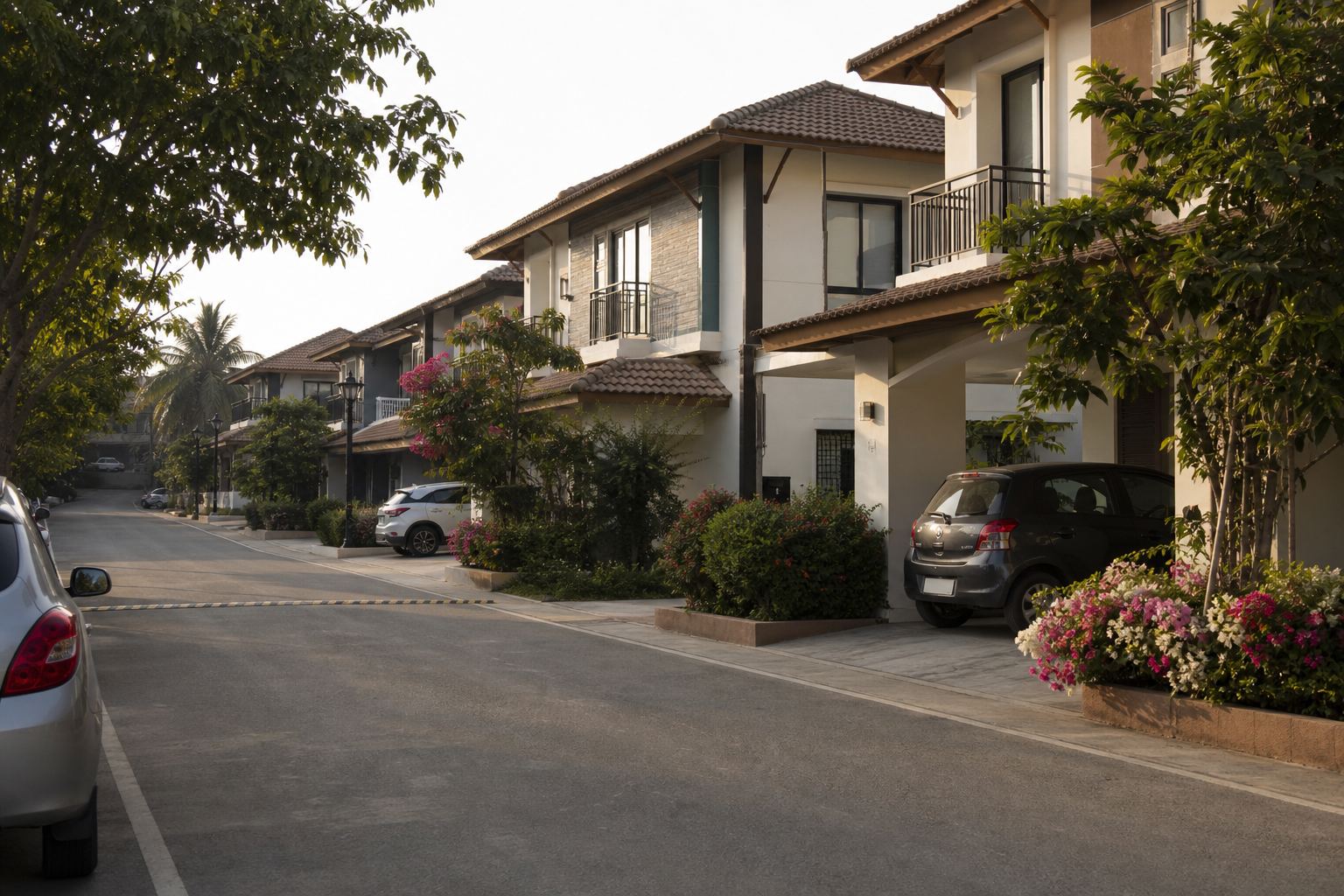
A villa cluster and a twenty-tower township use the same three surfaces. The counts change. The unit is still the account.
What we do not sell as day-one
GateBee is the desk, the gate and the unit. It is not a billing product, and we will not list a ledger we have not shipped.
Maintenance invoices, accounting, and a promise that payroll is finished because someone punched — those are later conversations, or another product. What you get on a walkthrough is the property tree, a shift, and the gate flow on your layout.
If a vendor leads with visitor photos and a billing slide, ask to see the roster and the unit list. That is the work the office already does.
What the desk actually runs
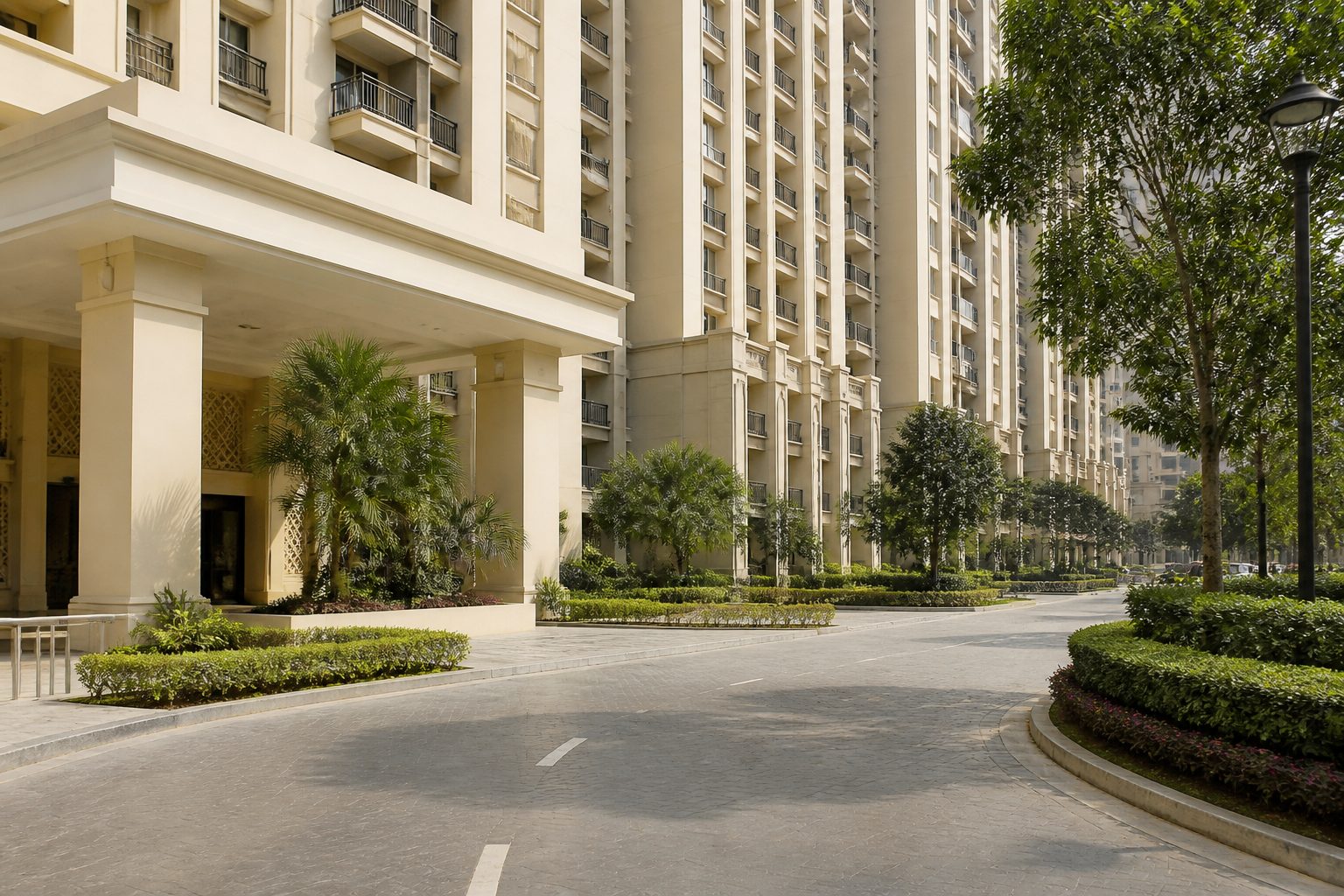
Property that matches the building
Towers, villa clusters and mixed layouts in one tree. Units are generated with a preview, not by a spreadsheet import that cannot be undone. Floor 12 is not sorted under floor 2.
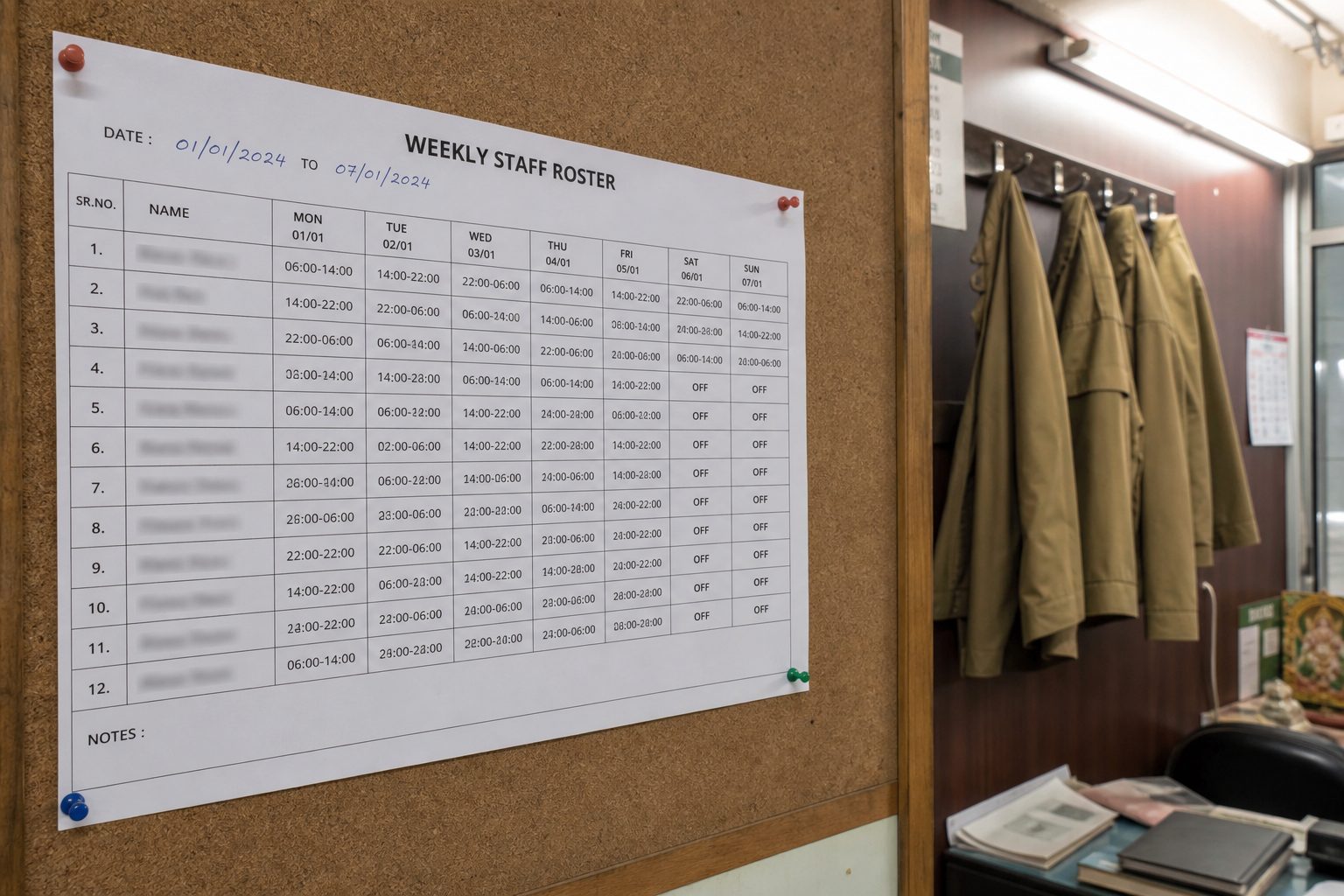
Staff you can roster
Shifts, a roster board and attendance with a geofence at the gate — so payroll is not reconstructed from a register at month end.
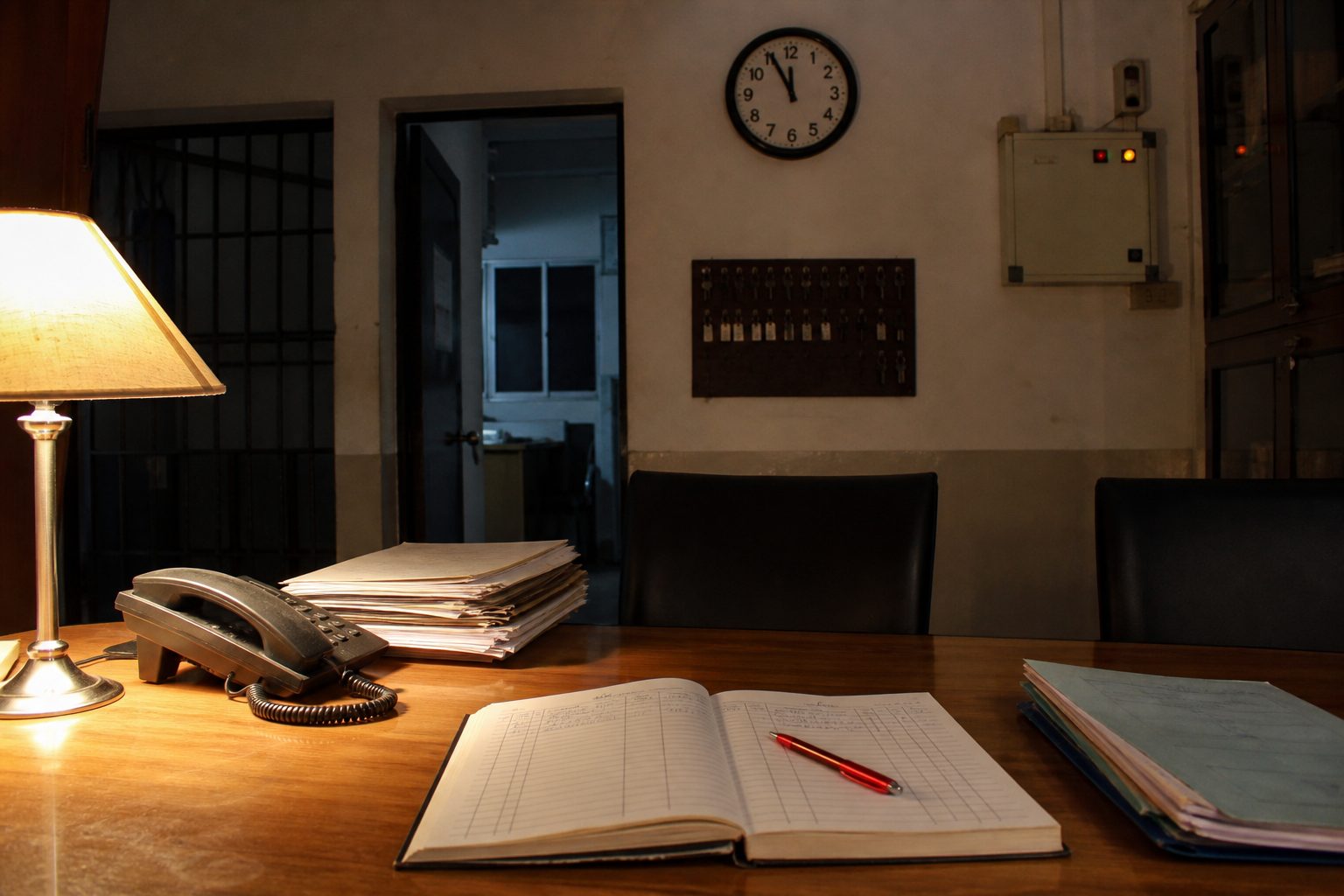
Complaints with an owner
Tickets against a trade or a named person, with a status the resident can see. The desk and the app share the same record.
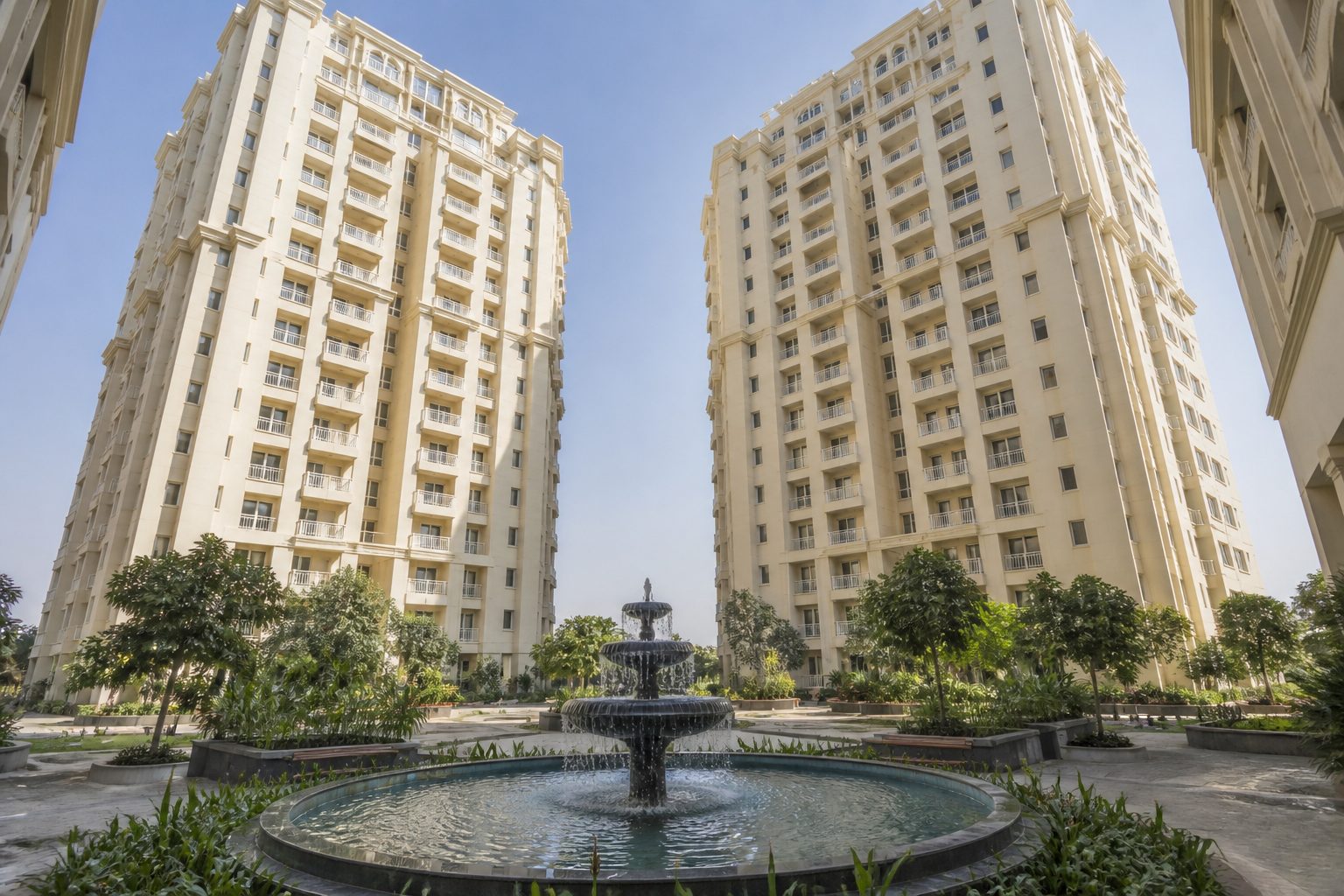
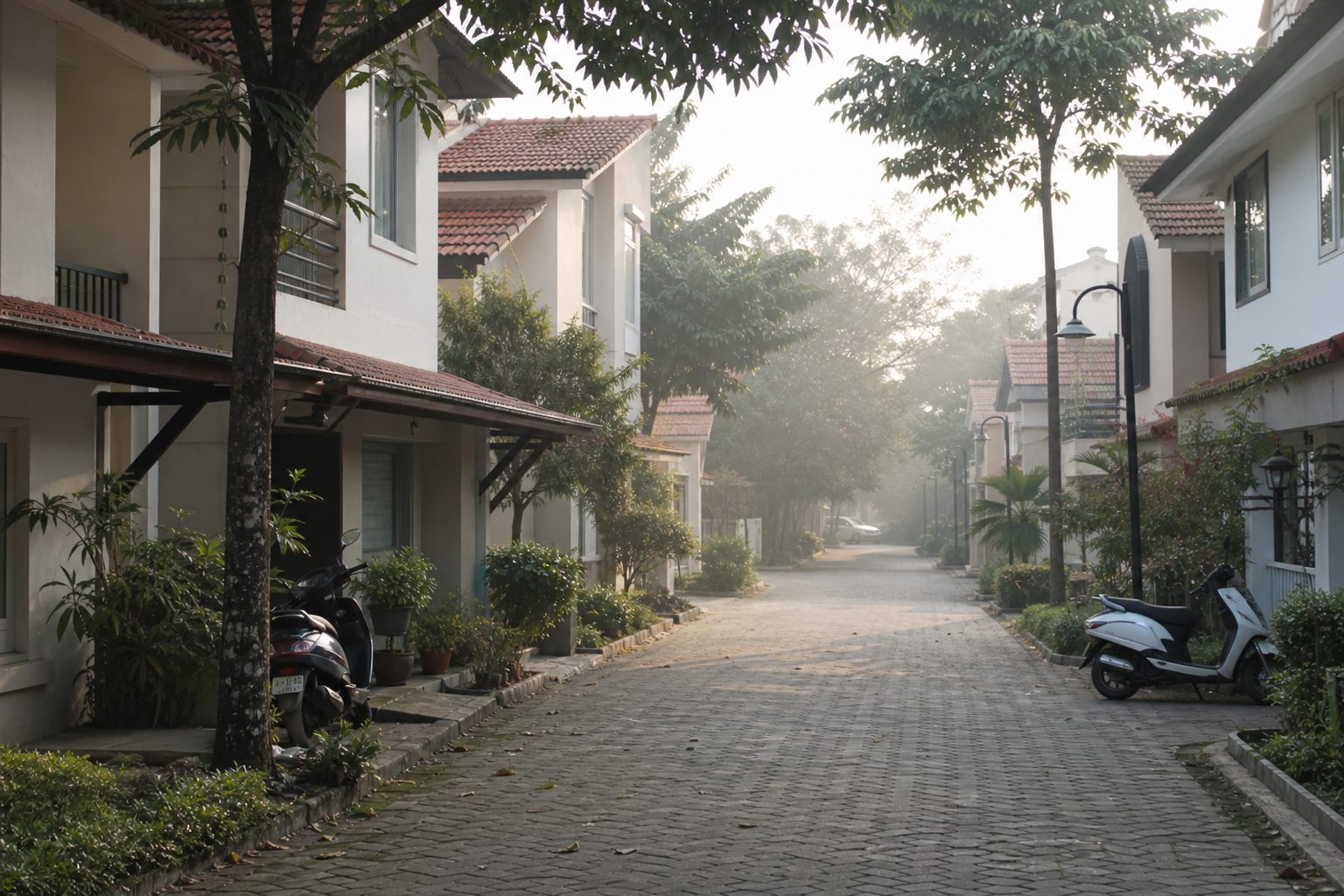
Towers, villas, and the office

Questions from the committee
Walk the desk on your own society
Bring the registration number and a rough unit count. We will show the property tree, a shift, and the gate flow — not a generic slide deck.